From Jekyll to Quarkus Roq: Migrating My Blog as a Java Dev
Why leave Jekyll?
My blog ran on Jekyll for years. It worked. But as a Java dev, maintaining a Ruby environment on my machine was painful. Incompatible Ruby versions, broken gems, builds failing for no clear reason. I spent more time debugging my setup than writing posts.
And honestly, I work with Quarkus every day. Using a Ruby tool for my blog when Quarkus Roq exists? A static site generator built on Quarkus, in Java? It just didn't make sense anymore.
The migration in two steps
It happened in two steps, months apart.
Step 1: Jekyll to Quarkus Roq with the default theme
Pretty straightforward. Quarkus Roq provides a default theme (quarkus-roq-theme-default) that gives you a clean look out of the box. Content stays in Markdown with YAML frontmatter, so my posts migrated easily. Deploying to GitHub Pages was also easy. Roq provides a GitHub Actions template that just works.
A few things to watch out for:
- 📄 URLs: Jekyll and Roq don't generate the same URLs for posts. I used the aliases plugin to redirect old URLs and avoid breaking SEO.
- 🗺️ RSS feed: Jekyll serves the feed at
/feed.xml, Roq at/rss.xml. I created acontent/feed.xmlthat includes Roq's RSS template so the old URL keeps working for existing subscribers. - 🗺️ Sitemap: Roq has a sitemap plugin. Just add the dependency and a
content/sitemap.xmlfile. - 🎨 Look and feel: The default theme was nice, but not exactly what I wanted. I started overriding templates and CSS to customize the design. Violet palette, navbar instead of sidebar, hero section on the homepage.
It worked. But I was building on sand.
Step 2: From default theme to custom Tailwind CSS
The Roq team recently moved the default theme to Tailwind CSS internally. That's a big change, and it broke my CSS overrides. To be fair, this kind of major internal rewrite doesn't happen often. But it was the push I needed to stop patching someone else's CSS and take full control over my templates.
The fix: remove the default theme dependency entirely and create my own templates with Tailwind CSS.
What I did:
- ❌ Removed
quarkus-roq-theme-default - ✅ Added
quarkus-web-bundler-tailwindcss - ✅ Created custom templates in
templates/layouts/andtemplates/partials/ - ✅ One
app.cssfile with Tailwind + custom styles (hero, bio, tables, code blocks) - ✅ A
tailwind.config.jsfor the site's colors and fonts
The result: same design as before, but now I own everything. No more surprises on the next Roq upgrade.
Claude Code in the loop
I did both migrations with Claude Code. It diagnosed problems, created the custom CSS (definitely not my thing), built whatever I decided on, and handled the painful migration of 30 content files. From the initial Jekyll-to-Roq move to the Tailwind rewrite, Claude Code was in the loop the whole time.
For a task that touches the pom.xml, 11 templates, the CSS, and 30 content files, this is where a coding assistant really makes a difference.
Tips if you want to migrate
If you're a Java dev running Jekyll, Hugo, or something else, here's what I learned:
- Quarkus Roq is ready. It works, it's simple, and it's Quarkus. Hot reload in dev mode, Qute templates, Markdown for content. They even have a CLI:
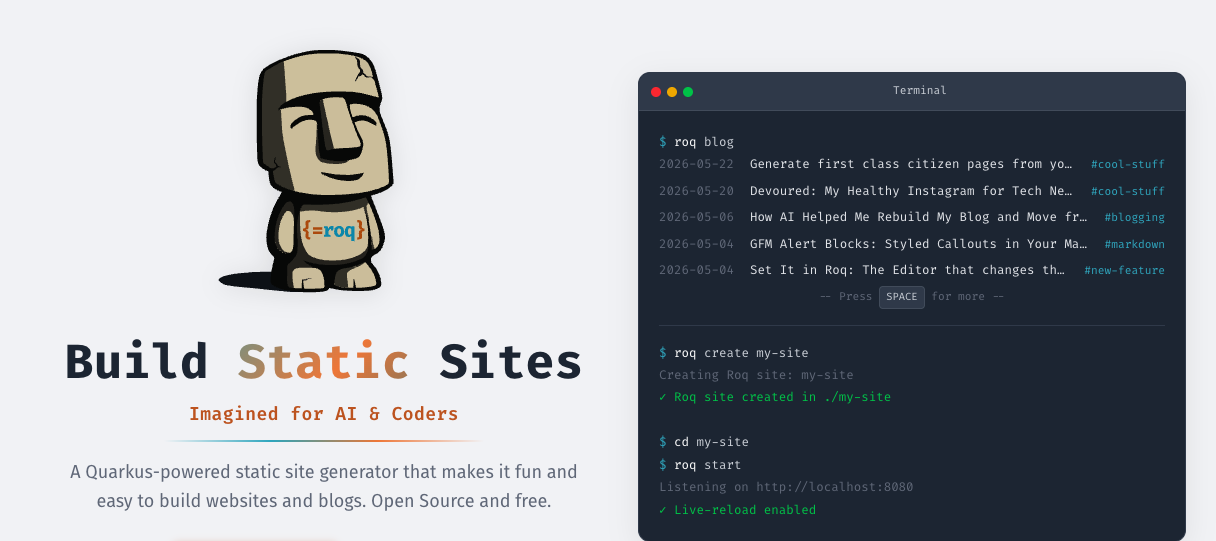
roq create my-siteand you're up and running. Check the migration guide if you're coming from Jekyll or Hugo. - Preserve your URLs and feed. Use the aliases plugin to redirect your old URLs. And if your old RSS was at
/feed.xml, create acontent/feed.xmlthat includes Roq's RSS template. Your SEO and subscribers will thank you. - Set an image in your frontmatter. Roq's SEO tag uses the
imagefield to generate Open Graph meta tags. That's the preview image people see when your post is shared on Twitter, LinkedIn, or Bluesky. Very handy for blog posts. - Know when to use the default theme. The default Roq theme is great for building quick sites. I use it for my workshop websites for instance. You can also override parts of it for small customizations. But if you want your site to feel truly unique, going custom Tailwind gives you full control over your design.
- Look at existing projects. I looked at how Sun Tan structured his Roq blog with Tailwind. He also blogged about his own migration from Jekyll to Quarkus Roq. It gave me the right architecture to follow.
The final setup
<dependency>
    <groupId>io.quarkiverse.roq</groupId>
    <artifactId>quarkus-roq</artifactId>
    <version>2.1.3</version>
</dependency>
<dependency>
    <groupId>io.quarkiverse.web-bundler</groupId>
    <artifactId>quarkus-web-bundler-tailwindcss</artifactId>
    <version>2.3.2</version>
</dependency>
<dependency>
    <groupId>io.quarkiverse.roq</groupId>
    <artifactId>quarkus-roq-plugin-tagging</artifactId>
    <version>2.1.3</version>
</dependency>
<dependency>
    <groupId>io.quarkiverse.roq</groupId>
    <artifactId>quarkus-roq-plugin-aliases</artifactId>
    <version>2.1.3</version>
</dependency>
<dependency>
    <groupId>io.quarkiverse.roq</groupId>
    <artifactId>quarkus-roq-plugin-sitemap</artifactId>
    <version>2.1.3</version>
</dependency>
That's it. No default theme. Just Roq, Tailwind, and your templates. Check the Roq marketplace for more plugins and themes.
The source code is on GitHub if you want to see the full structure.